Real Estate Agent Leads — Scrape Google Maps for Realtors
Real estate agents are marketers who spend on their own business constantly — websites, CRMs, lead generation, photography, signage, headshots, coaching. That makes them one of the most sold-to professions there is, and a clean list of them is the starting point for any of it. This page turns a Google Maps search like "real estate agents in Phoenix" into a spreadsheet of the agents and brokerages in a market: name, full address, phone, website, category, rating, and review count, one listing per row.
It is for the vendors and agencies that sell to agents — IDX website builders, CRM and lead-gen tools, transaction coordinators, mortgage and title partners, media and staging companies — and for a brokerage recruiter building a poach list, or an agent farming a new area and scouting who already works it. Instead of hand-collecting names off Maps, you get the field as a CSV.
$5.00 free to start · no card required · failed runs are free
What lands in your CSV
One row per result, every field in its own column — no cleanup, no copy-paste. Here's the shape of the file you download:
| name | phone | website | rating | reviews | |
|---|---|---|---|---|---|
| Ridgeline Roofing | (214) 555-0132 | office@ridgelineroof.com | ridgelineroof.com | 4.8 | 126 |
| Cortez & Sons Roofing | (214) 555-0177 | — | no website | 4.6 | 83 |
| Summit Roof Co. | (972) 555-0119 | hello@summitroof.co | summitroof.co | 4.9 | 241 |
What it looks like
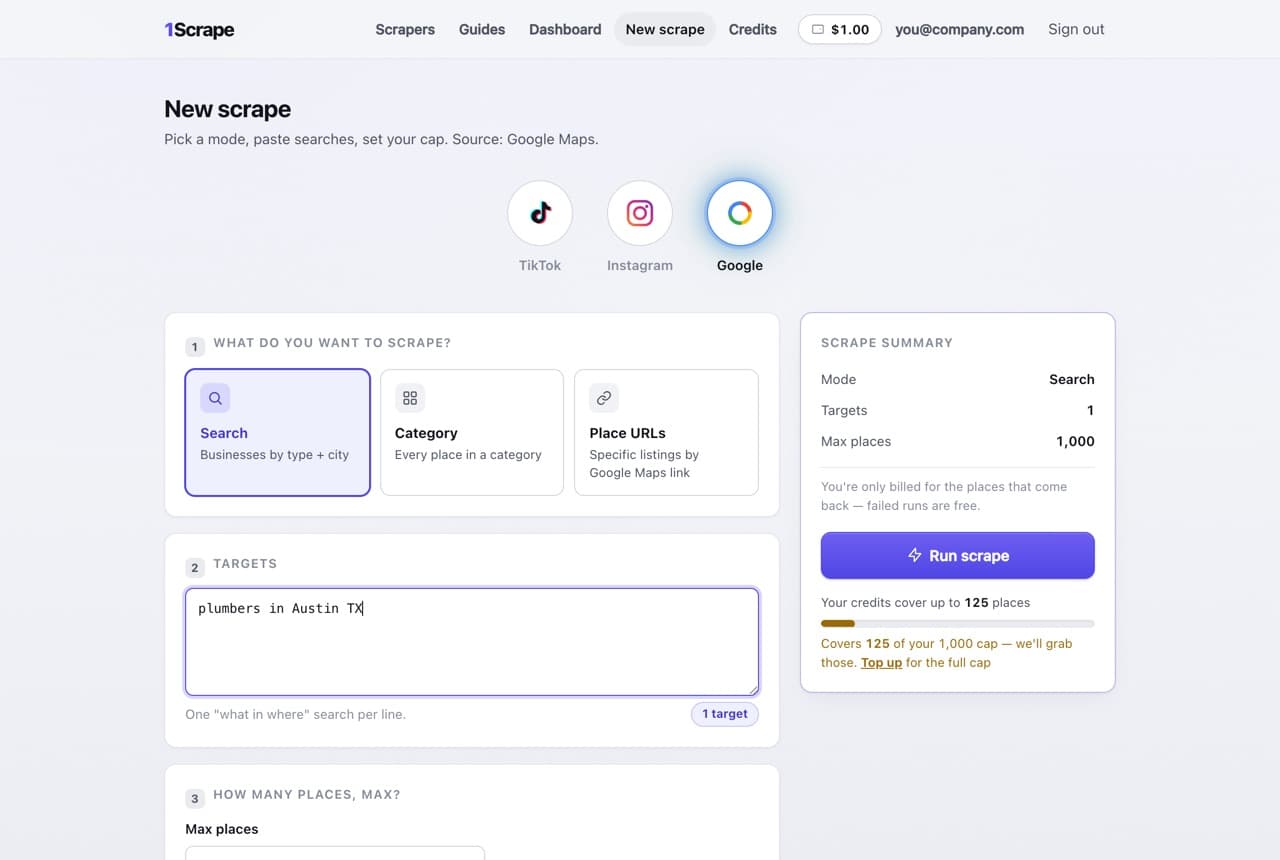
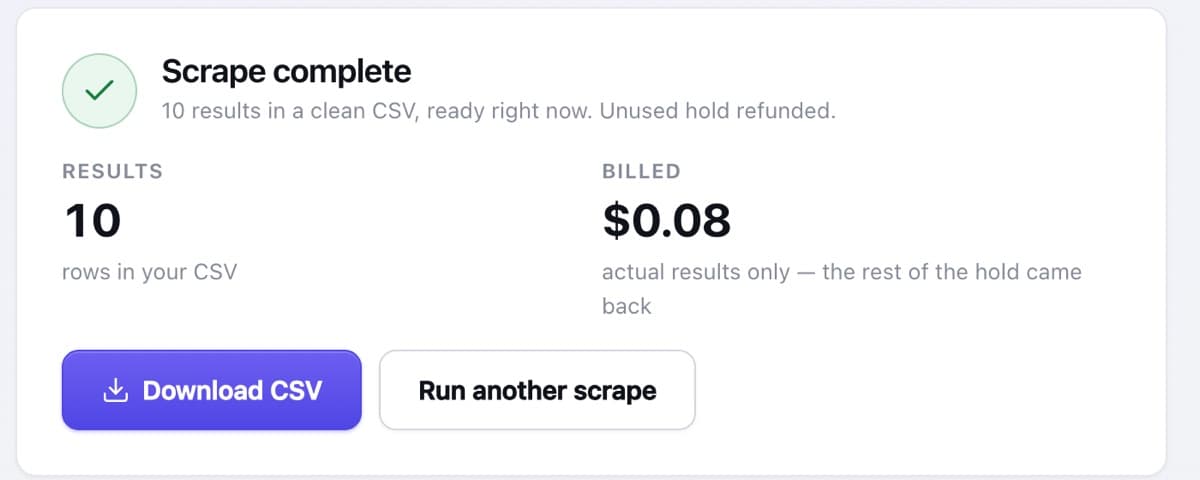
What's in every row
Each agent or brokerage lands as one row with consistent columns, so a market becomes a workable prospect list the moment the run finishes:
Name & category
The agent or company name plus how Google files it — real estate agent, real estate agency, broker — so you can split individuals from offices.
Phone & full address
The public phone number from the listing plus the office or service-area address, ready for dialing or territory work.
Website — or the no-website flag
The site URL when there is one, and a flag when there is not. An agent leaning only on a brokerage bio is a natural IDX-site or personal-brand prospect.
Rating & review count
Stars and review volume — a useful proxy for how active and established an agent is before you spend a call on them.
Contact columns
Public emails pulled from the agent's own website land in their own columns at no extra cost; blank when no site is listed.
How to turn realtor leads into clients
Whatever you sell agents, they buy what wins listings and closings. Sort by review count to find the producing agents worth pitching, then lead with results: more leads, a sharper online presence, less time on paperwork. Agents with no personal website — only a brokerage profile — are an easy pitch for an IDX site or a personal brand they actually own, and the no-website filter surfaces them for you.
The same list serves two other plays. Brokerage recruiters use it to find independent or lightly affiliated agents to poach, sorting by activity to focus on real producers. And an agent farming a neighborhood can map every competitor working it and see who dominates by review count before committing marketing dollars to that turf.
Filter to the best-fit prospects
In the CSV, sort by review count as an activity signal, use the category column to separate individual agents from brokerage offices, and flip the no-website filter to isolate the agents relying only on a brokerage page — the shortlist most likely to say yes to a site or a personal-brand build.
How it works
Search "real estate agents in [city]"
Type a query like "real estate agents in Phoenix" or "realtors in Dallas" — or sweep the real-estate category across the metro.
Set your cap
Choose how many agents you want. Starting the run holds only its worst-case cost — never more than your balance.
Watch it run live
Listings stream in with a live counter, so you always know where the run stands.
Download your CSV
Billed per listing scraped — never your full cap — the unused hold refunded, and the file opens straight in Excel or Sheets.
Frequently asked questions
Can I get agents without their own website?
Yes. Many agents rely only on a brokerage bio and never build a site of their own. Flip the no-website filter and the CSV keeps just those agents — a prime shortlist for an IDX site or a personal-brand pitch, since they have production but no home online they control. You are billed per listing scraped; the filter keeps the matches.
How current is the data?
Every run scrapes live from Google Maps as you start it, so names, phones, and review counts are as current as the listings — not a resold database from last quarter. In a fast-moving market you can re-run the same search whenever you need a fresh cut.
How much does it cost?
Runs are $8 per 1,000 results, and every new account starts with $5.00 in free credits — enough to pull a first market before you pay. You are billed per listing scraped, never for your full cap, and failed runs are refunded in full.